Reading and research
Zotero alternatives: choose the workflow before moving your library

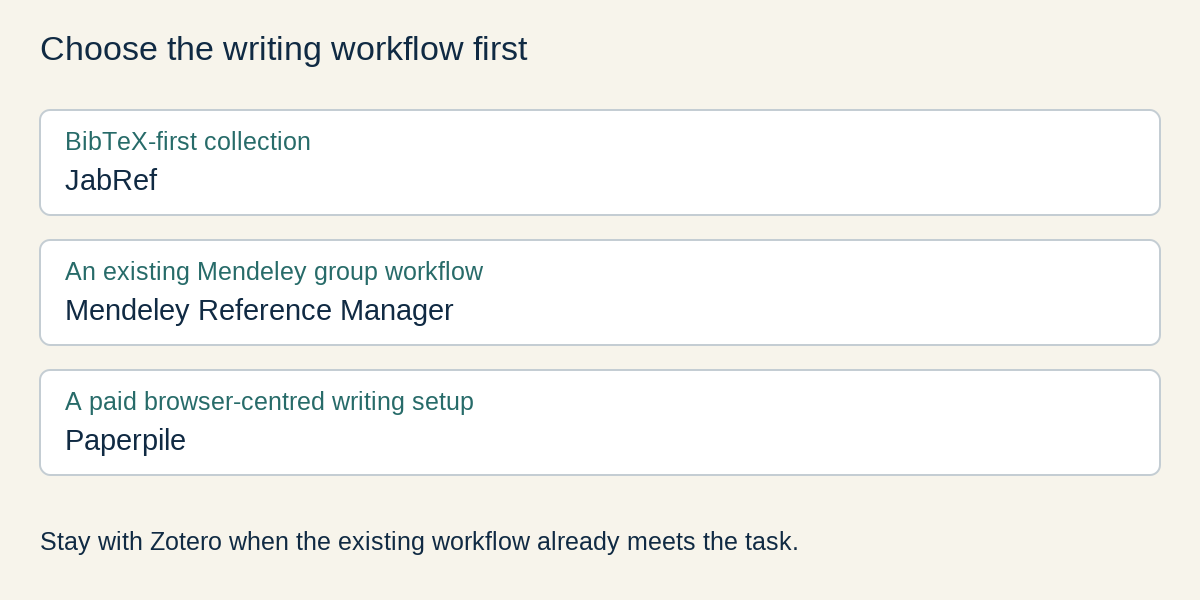
My shortlist is JabRef for a BibTeX-first library, Mendeley Reference Manager when your research group already uses its workflow, and Paperpile for a paid browser-centred writing setup. Stay with Zotero if it already handles your references well. Before switching, check a small reference set and a copy of a real document: importing citation details is different from preserving PDFs, notes and editable citations.
Three alternatives for three different writing workflows
I would name the problem before choosing another manager. A slow PDF workflow, a collaborator’s software requirement and a preference for a plain-text bibliography need different solutions. Changing tools shortly before a submission can create more work than it removes.
These choices compare documented capabilities and practical fit, rather than measured speed or citation accuracy. There is no overall winner across unlike writing workflows. Check your editor, operating system, collaboration requirements and required citation style before committing.
- JabRef: a BibTeX-first collection
- Mendeley Reference Manager: fit with an existing group
- Paperpile: browser-centred writing and a paid plan
| Option | Best fit | What to inspect first | Main tradeoff |
|---|---|---|---|
| JabRef | Maintaining BibTeX or BibLaTeX files | Your .bib file and required editor integration | More responsibility for file organisation and workflow setup. |
| Mendeley Reference Manager | Working with a group already using Mendeley | Current Reference Manager export and document integration | A metadata export does not directly contain your PDFs. |
| Paperpile | A browser-centred paid reference workflow | Plan features, annual commitment and sample import | Annotations and collaboration may require a higher plan. |
1. JabRef: for a BibTeX-first collection
JabRef’s official feature overview describes free, open-source reference management with native BibTeX and BibLaTeX support. It imports several reference formats and can retrieve bibliographic information from identifiers such as a DOI or ISBN.
This is my first shortlist choice when the bibliography file itself is part of the writing workflow. A readable .bib file can be inspected, backed up and used with a compatible typesetting tool. That is especially useful when your project already expects LaTeX or another text-based process.
The limitation is fit, rather than a lack of features. If your main need is a familiar shared writing setup, moving to a file-centred workflow may add configuration and file-management work. Check the actual editor integration and a generated bibliography before moving your main library. Free software does not remove the need to verify imported author names, item types or missing fields.
2. Mendeley Reference Manager: for an established group workflow
The current Mendeley features page describes PDF imports, a web importer and watched folders. Those collection tools are useful when the people you work with already have an agreed Mendeley process.
I would choose it for a specific collaboration or writing requirement, rather than switching merely because a colleague recognises the brand. Ask which application and citation integration the group actually uses. Guidance for the older Mendeley Desktop should not automatically be treated as instructions for the current Reference Manager.
Elsevier’s library-export guidance distinguishes the products and lists reference export formats including BibTeX, RIS and EndNote XML. It states that the export contains metadata: PDFs are referenced, not directly exported.
That boundary matters if you expect one small export file to preserve a research collection. Keep a separate record of attachments and their locations. Check annotations, groups and document citations separately; a successful reference count does not establish that those parts have moved.
3. Paperpile: for a paid browser-centred writing setup
Paperpile’s current pricing page offers a 30-day trial and distinguishes Regular from Expert. Regular includes core collection, PDF reading and citation integrations; Expert adds capabilities such as notes, annotations and shared libraries. Choose by the feature you need, not the plan name.
On 22 November 2026 the page displays academic prices of US$4.15 per month for Regular and US$5.75 for Expert, with annual billing and possible taxes. Twelve times those displayed equivalents is US$49.80 or US$69.00. Academic eligibility and the actual annual checkout total still need checking; these are not month-to-month subscription quotations.
Its RIS and BibTeX import instructions describe uploading bibliography files. Its separate export help covers selected references, folders and the whole library. Test both directions before treating import as a complete exit route.
This is the strongest fit on this shortlist when your chosen writing environment and the paid feature set reduce a recurring obstacle. It is a weaker move if your existing free workflow already works, or if your required annotation or collaboration feature sits outside the plan you intended to buy.
When keeping Zotero is the better decision
Keep Zotero when the references, writing integration and sharing arrangement already meet your needs. A small problem may be solved by cleaning duplicate records, checking a style or reviewing file organisation, without changing the entire research workflow.
Zotero’s export documentation explains exporting libraries, collections or selected items. It recommends Zotero RDF with files and notes for the most complete transfer to another Zotero user. That does not establish equivalent preservation in a different manager.
Its data-directory documentation is the appropriate starting point for understanding the original library files and backups. Follow its warning to close Zotero before copying or moving those files. Do not delete the original library after a trial import.
Four separate things can move differently
Treat a migration as four checks: bibliographic fields, attached files, notes or annotations, and citations embedded in a document. A reference file can carry a title and author without containing a PDF. A readable bibliography can look correct while its citations are no longer editable in the new tool.
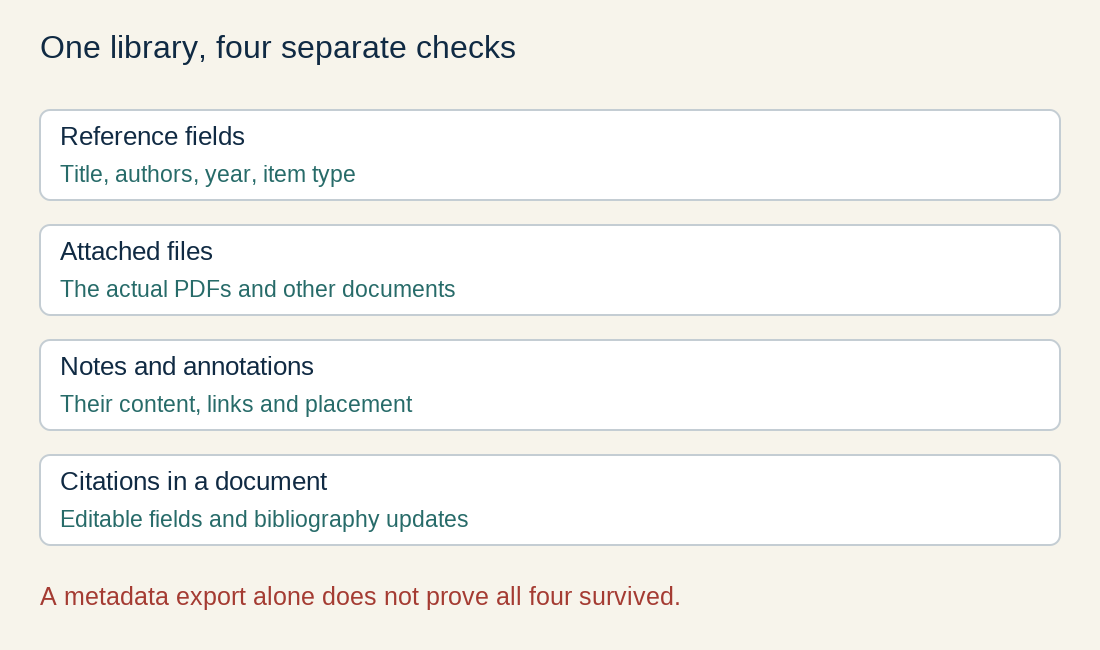
Start with a copy of a document, not your only working draft. Check whether citations can still be edited and whether adding a new citation produces the required bibliography. Existing document links may depend on a particular manager and integration. Do not assume that importing the same references reconnects them.
For confidential or licensed material, confirm your institution’s storage and sharing rules before uploading. A public citation does not give permission to redistribute the associated PDF. Use non-sensitive test records while checking a new service.
Try the two-record migration sample
The two fictional records below are deliberately simple: one journal-style item and one book-style item, with two authors and an accented word. They are test data, not publications to cite. Neither record has a DOI or attached PDF.
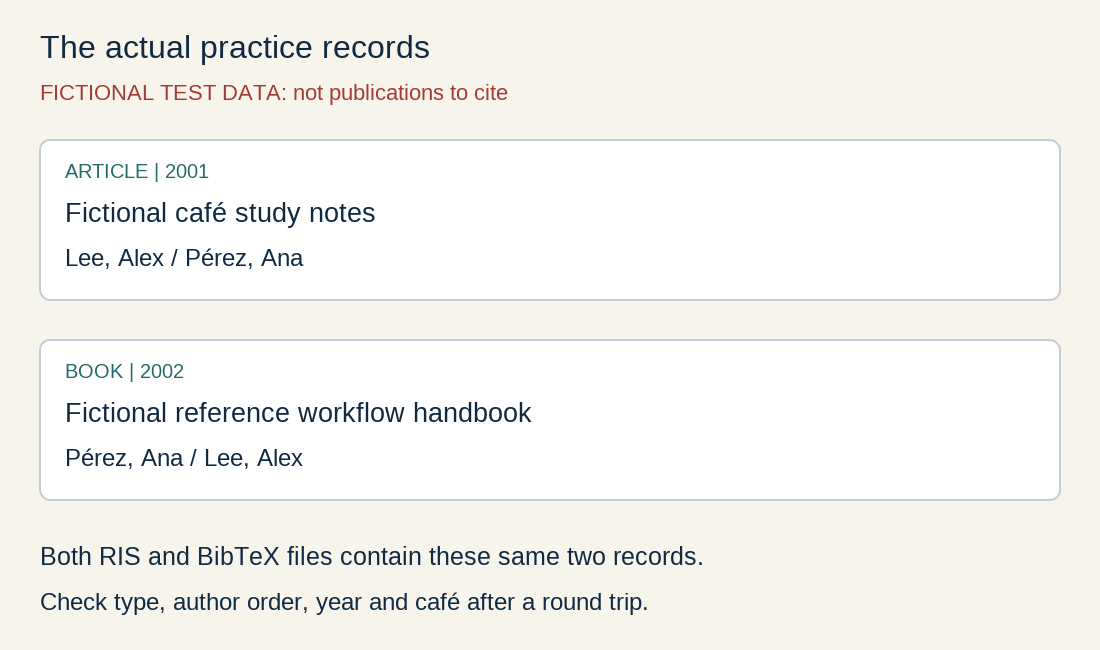
Download the fictional RIS sample. It contains two tagged records with explicit item types and separate author fields.
Download the equivalent BibTeX sample. The same titles, authors, years and item types appear in a different structure.
Import into a separate practice collection, inspect both records, then export them again. Compare the item type, author order, year and the word café. A tool may normalise punctuation or field names; judge whether the meaning and required citation fields survive, rather than expecting byte-identical exports.
This sample checks metadata only. After it works, use a small permitted subset of your own records to check attachments, notes and a copied document. The prepared files are not evidence of a completed import test in any application.
| Check | Expected result | If it fails |
|---|---|---|
| Record count and types | Two items: one article and one book | Inspect import settings and type mapping. |
| Authors and title | Two ordered authors per record; café intact | Check field separation and text encoding. |
| Export back out | Required fields remain editable | Keep original files and investigate the format. |
| Real-library follow-up | Files, notes and document citations checked separately | Do not infer success from the sample count. |
Final verdict: switch only when the new workflow earns the move
Choose JabRef for a BibTeX-first collection, Mendeley Reference Manager for a specific existing group workflow, or Paperpile when its paid writing setup solves a repeated problem. Staying with Zotero is a valid outcome.
My next step would be the two-record sample, one small permitted collection and one copied document. Keep the original library and verify an exit route before committing. Once the manager works, return to the research and writing task it is meant to support.
Sources and image credits
- JabRef: features and open-source file model (accessed 22 November 2026)
- Mendeley: current features (accessed 22 November 2026)
- Elsevier: library export and attachment limits (accessed 22 November 2026)
- Paperpile: current plans and annual billing (accessed 22 November 2026)
- Paperpile: RIS and BibTeX import (accessed 22 November 2026)
- Paperpile: library export (accessed 22 November 2026)
- Zotero: export (accessed 22 November 2026)
- Zotero: data directory and backup precautions (accessed 22 November 2026)
Access dates are recorded beside each source. Please report a source or factual concern.